
IT & Security
Track Every Laptop, Server, and Device You Own
Track corporate IT hardware — laptops, servers, network equipment — from procurement to disposal, with full custody, assignment, and audit history.
A day in IT hardware
How devices stay accounted for
From purchase to offboarding, every laptop and server stays on one register — so the next assignee inherits context, not a spreadsheet gap.
On this beatProcure
Procure
New hardware lands on the register with make, site, and cost before it leaves receiving.
Assign
Onboarding puts the device with a named holder — not a shared inbox or sticky note.
Move
Transfers between people and sites update custody without losing the trail.
Audit
Spot checks and cycle counts close against the same hardware timeline finance will read.
Offboard
When someone leaves, recovery and reassignment inherit the same record — not a rebuild.
Scroll the day
Challenges
Day-to-day IT hardware pain points
IT teams do not need another discovery dashboard — they need one physical hardware register the whole desk can work from.

Shadow inventory nobody trusts
Laptops and servers live across spreadsheets, ticket fields, and purchase emails — and counts never match.
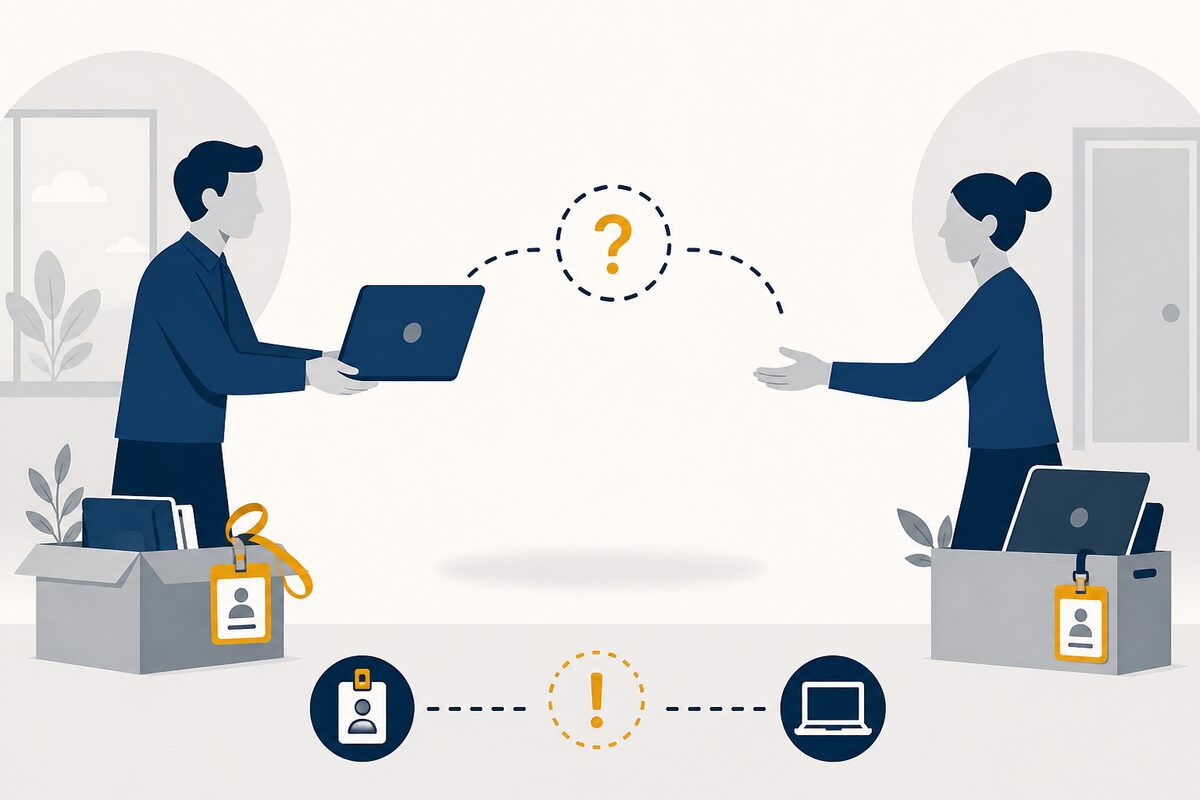
Assignment blind spots
Onboarding and offboarding handoffs lose track of who holds which device when people move fast.

Hardware that walks away
Devices leave desks and sites with no durable custody trail for the next shift or audit.
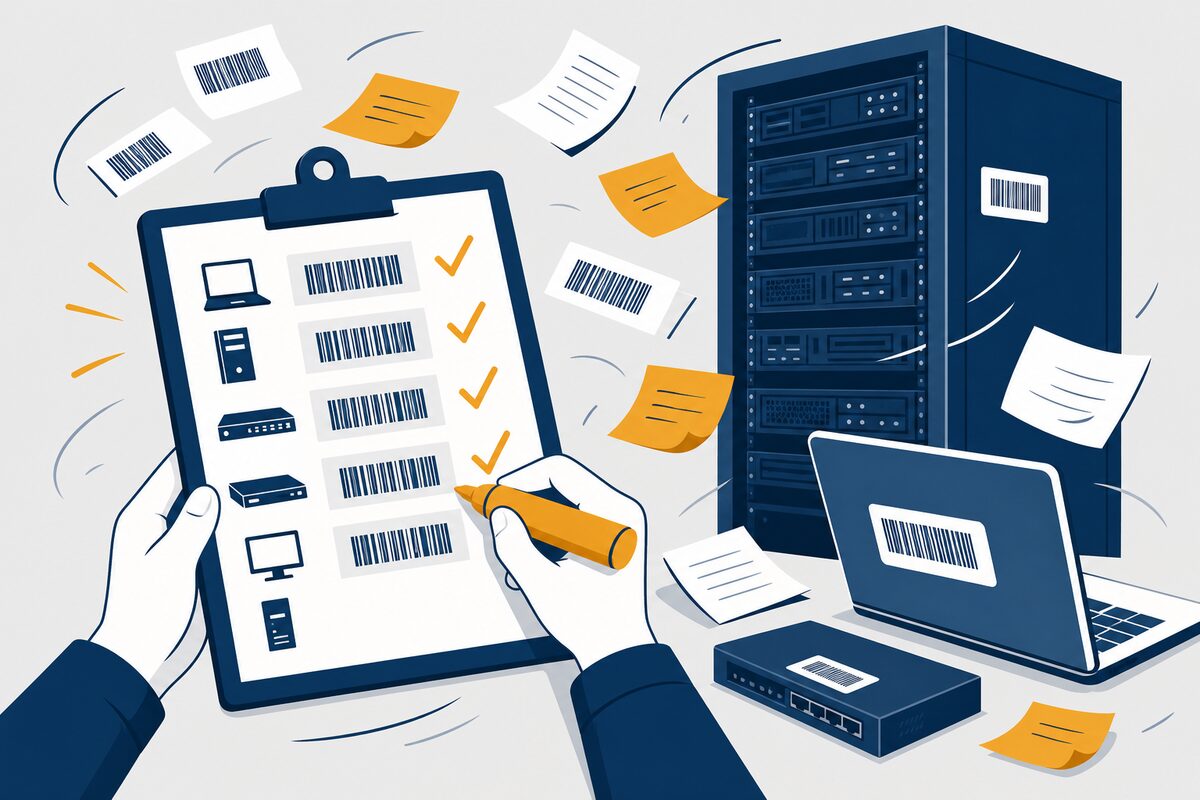
Hardware audit scramble
Evidence is rebuilt from memory and folders when verification season starts.
Relevant modules
What this desk lives in
Role benefits first — follow the links for product depth on each capability.
Outcomes
What IT teams get
Known holders
Every laptop and server has a current assignee — not a shared guess.
Fewer lost devices
Transfers and offboarding leave a trail before hardware goes dark.
Audit-ready hardware trail
Cycle counts and evidence already sit on the asset when reviewers ask.
Industries served
Role first — vertical next
IT & Security is industry-agnostic for physical hardware tracking. For multi-site corporate depth, start with Corporate Enterprises — and open Trust Center when the conversation turns to AssetZA as a vendor.
Continue exploring
Other roles on the same platform
IT is one seat on the buying committee — see how neighbouring teams use AssetZA.
Frequently asked questions
What is IT asset management software?
In AssetZA's scope here, it means tracking physical IT hardware — laptops, servers, and network equipment — through custody, assignment, and audit history on one register.
Does AssetZA track software licenses, or only physical IT hardware?
Physical IT hardware only. This page does not cover software licenses, SaaS subscriptions, or automated network discovery — those are out of scope for AssetZA's documented capability here.
How is this different from the Custody module page?
This page is role-framed for IT teams managing corporate hardware. Custody & Assignment covers product capability depth — they cross-link; they do not replace each other.
Where do security evaluators go for vendor posture?
Trust Center covers AssetZA's own security and compliance stance as a vendor. This page is about your organisation's hardware register, not our product security review.