Skip to content

Field Teams

Give Field Technicians an Offline App Built for Sites, Not Desks

See why field technicians prefer AssetZA's mobile app — offline-capable, scan-first, and built for gloved hands and outdoor conditions.

A day in the field

How work lands when the app keeps up

From site arrival to close-out, every scan and work step hits the same asset record — even when connectivity drops.

On this beatArrive

  1. Arrive

    Jobs and asset context load for the site — before the signal disappears.

  2. Scan

    Scan-first opens the right asset — not a search through a tiny office UI.

  3. Work

    Work orders and notes stay on the device through gloves, glare, and dead zones.

  4. Sync

    When connectivity returns, the register inherits what the field already finished.

  5. Close

    Ops and finance see completion on the same timeline — not a paper pile later.

Challenges

Day-to-day field pain points

Field technicians do not need another desktop clone — they need a scan-first tool that works offline and still updates the shared register.

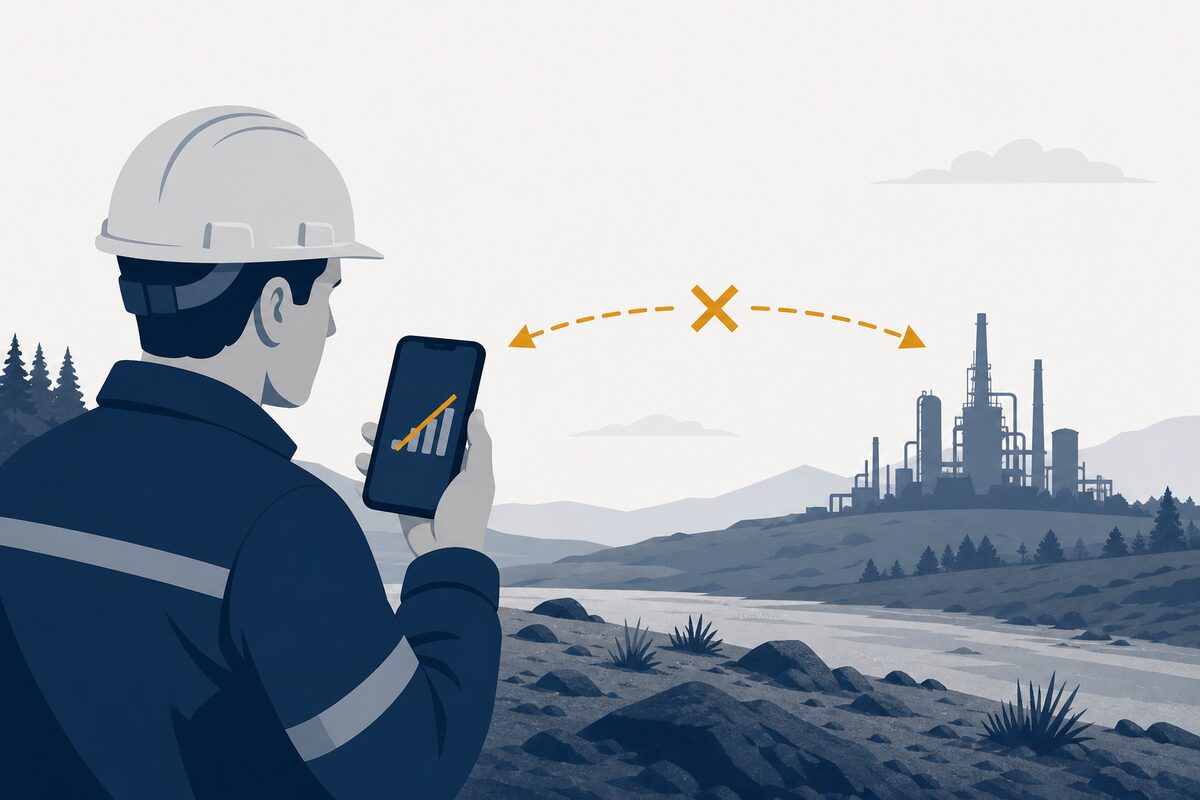
Phone with no signal and broken sync arrows at a remote site

Dead zones kill the desk app

Office tools assume always-on Wi‑Fi — plant floors and remote sites do not.
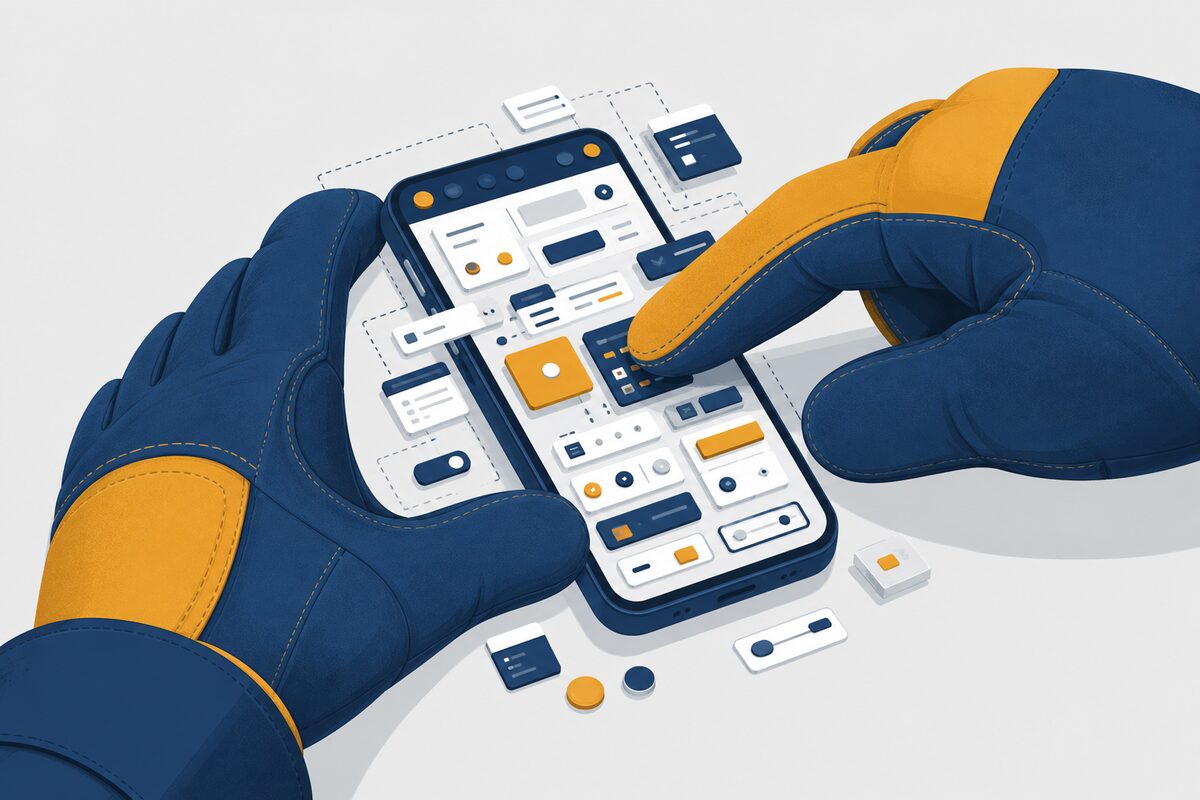
Work glove struggling with a tiny cluttered phone interface

UI that fights gloved hands

Tiny taps and dense screens were built for desks, not outdoor maintenance work.
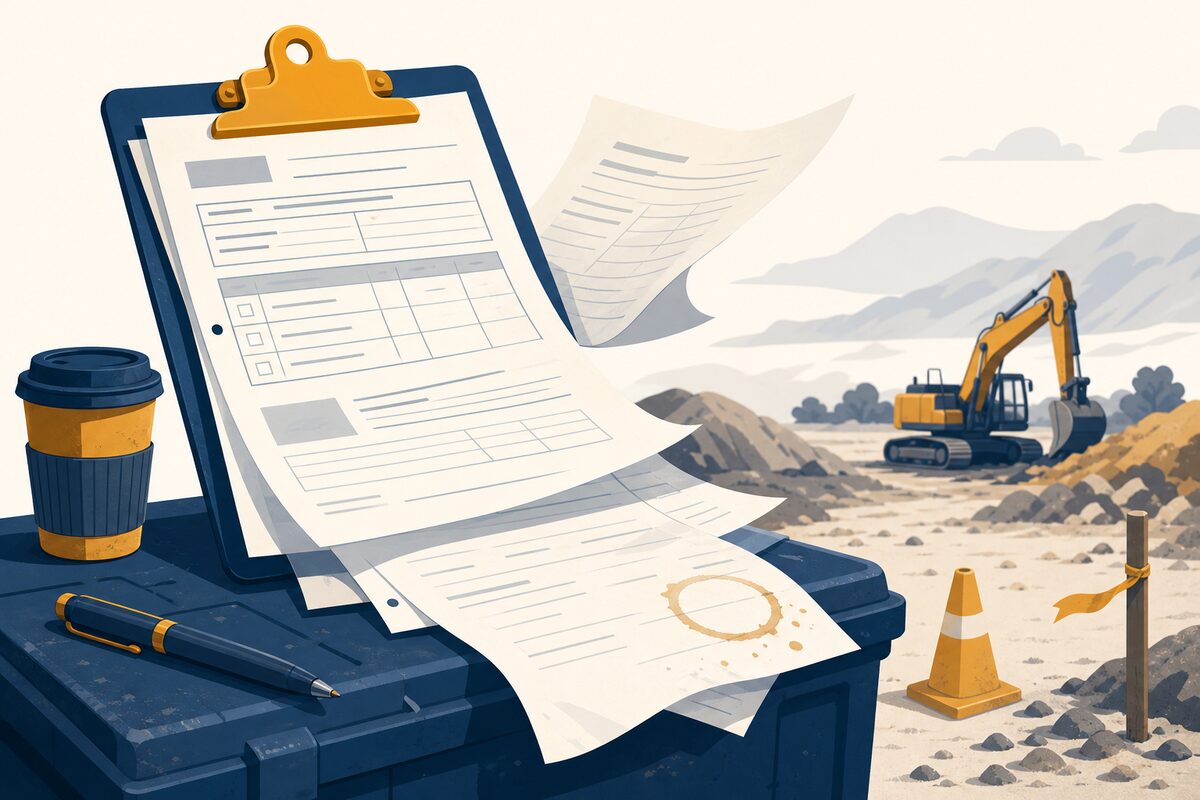
Field clipboard with paper work orders fluttering outdoors

Paper still runs the round

Work orders leave the office as clipboards and come back as guesswork.
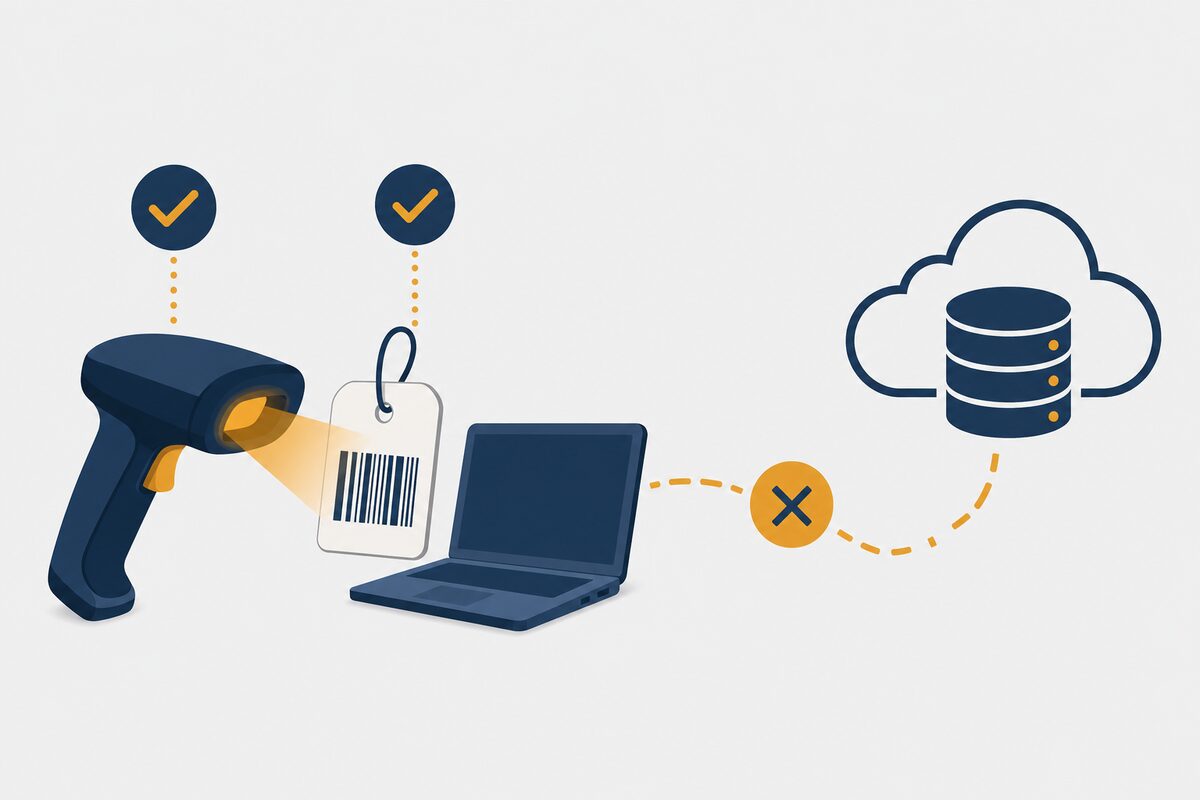
Scanner reading a tag while the path to the register is broken

Scans that never reach the register

Barcode reads succeed on site, then fail to update the shared asset record.

Outcomes

What field teams get

Work that survives offline

Rounds continue in dead zones — then sync without a paper rebuild.

Scan-first speed

The right asset opens fast, even with gloves and outdoor glare.

One trail back to the desk

Ops and finance inherit completions on the same asset timeline.

Industries served

Role first — vertical next

Field Teams is industry-agnostic. When you need plant-floor or multi-site depth, browse Industries.

Frequently asked questions

What makes a good mobile app for field maintenance technicians?

Offline capability, scan-first workflows, and UI built for gloves and outdoor conditions — so work updates the shared asset register instead of dying in a dead zone.

How is this different from the Mobile & Offline Operations module page?

This page is role-framed for field technicians. Mobile & Offline Operations covers product capability depth — they cross-link; they do not replace each other.

Does field work share the same record with operations and finance?

Yes. When the device syncs, completions land on the same asset timeline the rest of the organisation already uses.

See AssetZA for field teams

Book a short demo.

Scroll to Top